Every booking has its own payment history — separate from your account's subscription payment history. Here you track how much the guest has paid for the stay, record payments received outside the system (cash, bank transfer) and generate an online payment link for the guest.
Where to find it
Bookings → click a booking → the "Payment history" section (below the Deposit section).
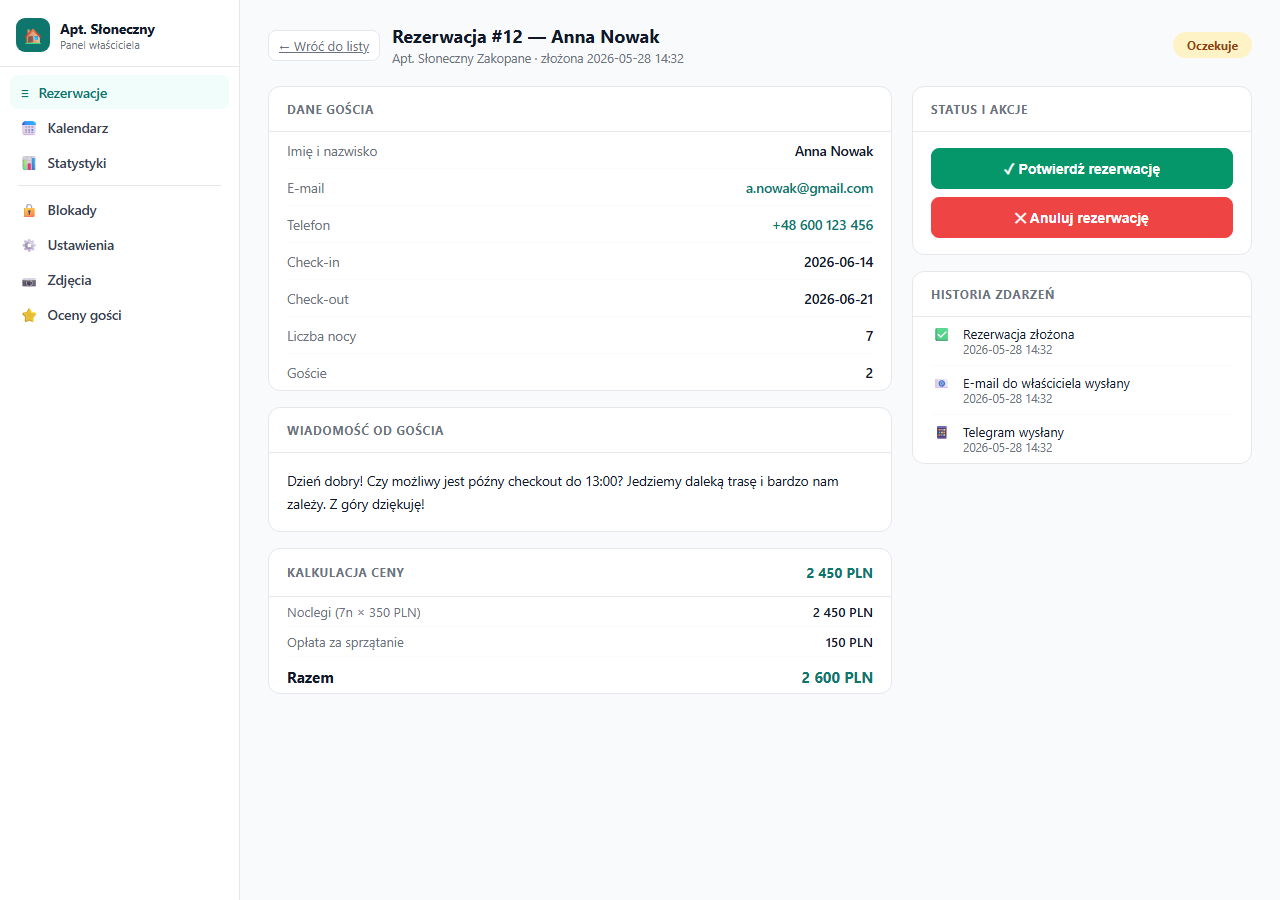
The section appears when you have a configured payment gateway or when any payment has already been recorded on the booking (e.g. a marked deposit). If you work in inquiry mode only and haven't recorded any payment, the section is hidden.
What the table shows
| Column | Description |
|---|---|
| Type | What the payment covers: Booking (for the stay), Deposit (refundable deposit) or Manual (another payment you added) |
| Amount | Payment amount in PLN |
| Status | Paid (✓, payment recorded) or Pending (⏳, a link was generated, the guest hasn't paid yet) |
| Date | When the payment was recorded or initiated |
| Note | Your description of the payment — e.g. "cash at check-in" |
Online payments via Przelewy24 land in this table automatically — when the guest pays from a link or through the booking form, the entry's status changes to Paid without any action from you.
Recording a payment manually
When a guest pays outside the system — cash at check-in, a transfer to your account or through another channel — record that payment manually so the booking history is complete.
Below the table you'll find the "+ Add payment" form:
- Choose the type: Booking, Deposit or Other.
- Enter the amount in PLN.
- Optionally add a note (e.g. "transfer dated 12 Jul").
- Click "+ Add payment".
The payment is saved immediately with the status Paid and appears in the table as well as in the booking's event history.
Recording a payment manually is your internal record only — it doesn't charge the guest and doesn't send them any message. It's for logging payments you've already received another way.
Payment link for the stay (Przelewy24)
If you want the guest to pay for the stay online, generate a one-time payment link. The "🔗 Generate payment link" button in the section header appears when three conditions are met:
- you have a configured Przelewy24 gateway,
- the booking has the Confirmed status,
- the booking has the guest's email address saved.
Clicking it opens a page with a ready link — copy it and send it to the guest (e.g. via a message to the guest). When the guest pays, a Booking payment lands in the table automatically with the Paid status.
The stay payment link is independent of the deposit link — the guest can pay for the stay and the deposit separately. A link generated by P24 is valid for 24 hours; after that, generate a new one.
Payments and a manual booking
When adding a booking manually, you can tick "Generate online payment link (Przelewy24)" right away — provided you entered the guest's email and have a configured gateway. Later cash payments are recorded in the same "Payment history" section.
How this differs from other "payment histories"
- Payment history in a booking (this article) — the guest's payments for a specific stay and the deposit.
- Subscription payment history (My account → Subscription) — your payments for using erphome.pl (proforma invoices, transfers, KSeF). These are two separate things.
Changing dates or the number of guests in booking editing does not automatically recalculate the saved amounts. If the price of the stay changes, adjust it with the guest and record the correct payment manually.
Related articles: Deposit (refundable) · How online payments work · Przelewy24 configuration · Manual booking by the owner · Subscription payment history