Photos are the most important element of a booking page — a guest looks first, reads second. The Photos section is available directly from the panel's left menu.
How to upload photos
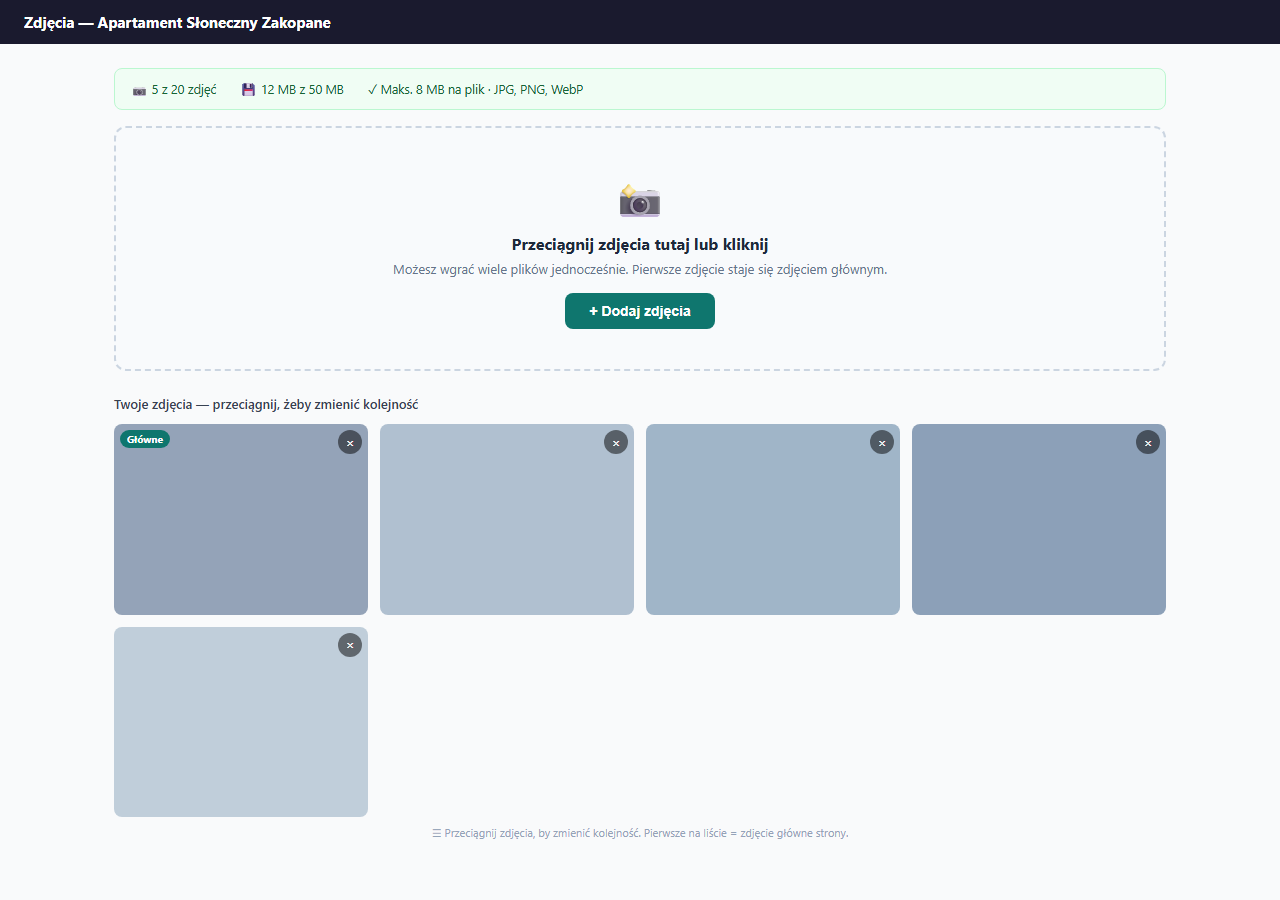
Click "+ Add photos" or drag files directly into the upload area. You can select multiple files at once.
Limits
- A maximum of 20 photos per apartment
- A maximum of 8 MB per file
- A total maximum of 50 MB for the whole apartment
- Supported formats: JPG, PNG, WebP
If photos are too large, shrink them before upload with a tool like Squoosh (free, online). 80% quality when exporting to WebP gives files 3–5× smaller with no visible loss.
Main photo and order
Photos display in a fixed order set automatically by the system — the panel marks the first positions with "Gallery #1", "#2" etc. labels on the tiles.
The first photo in that order acts as the main photo:
- the large photo at the top of the booking page
- the apartment thumbnail in the catalog (when you have several properties)
- the Open Graph image (when a guest shares the link)
The order can't be changed by dragging. To feature a specific shot, upload only the photos you want on the page and make sure the framing is good at upload time.
Deleting photos
Click × in the corner of a photo, confirm — the photo is permanently deleted. If you delete the main photo, the next one in the automatic order takes over its role.
Photo captions
Each photo can have a short text caption visible to guests in the lightbox (after clicking the enlarged photo).
Click the "Photo caption..." field below the thumbnail and enter text — e.g. "Living room with a fireplace and a view of the Tatras" or "Kitchen equipped for 6 people". The caption saves automatically after you click "Save" — without reloading the page.
The caption is optional. Photos without a caption display normally — the only difference is no text in the lightbox.
- Maximum caption length: 200 characters.
- The caption applies to a specific file — if you replace a photo with a new file of a different name, the caption must be entered again.
Gallery style
You set the gallery style in Settings → Apartment → the "Gallery, rules and area" card.
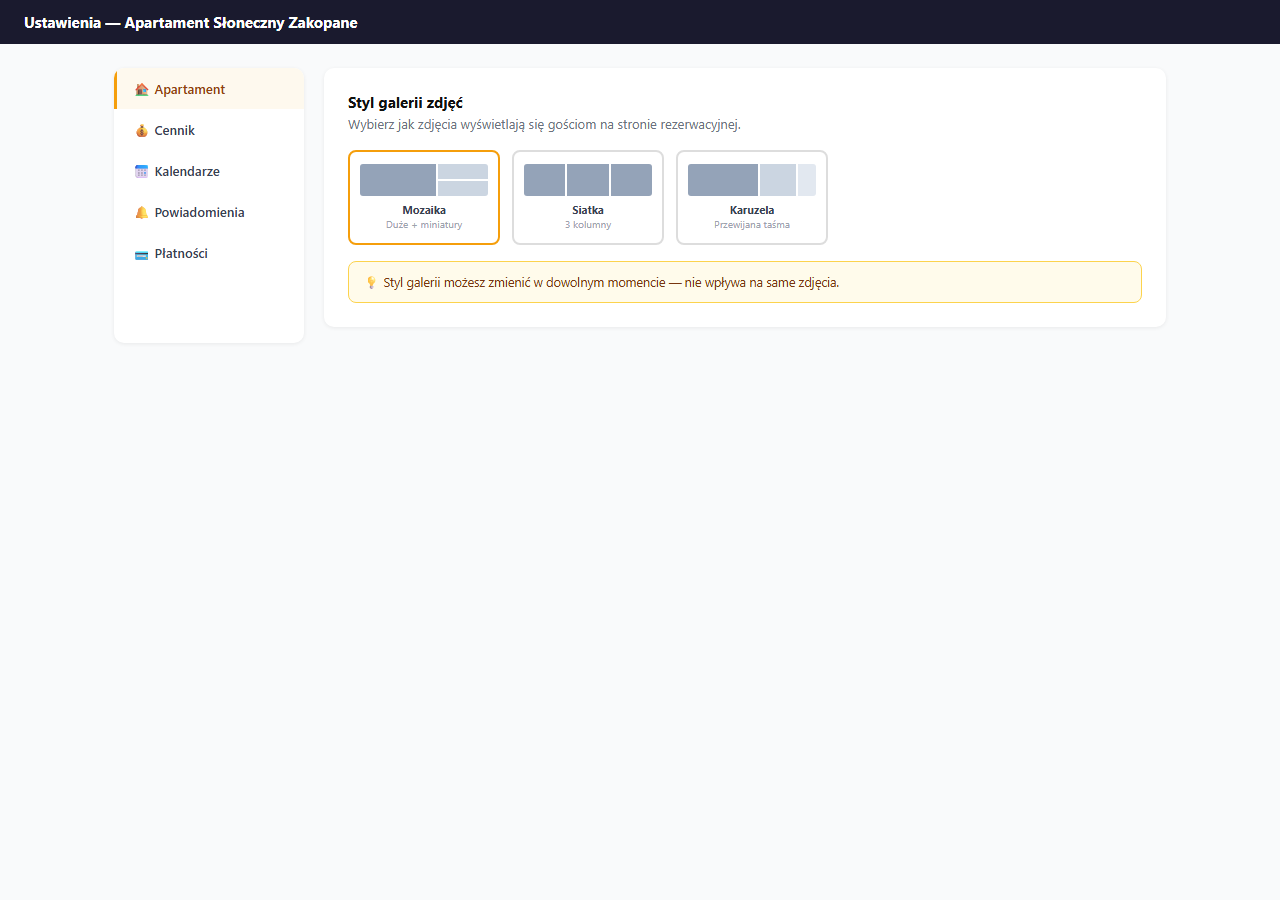
Three styles are available:
| Style | Look | When to use |
|---|---|---|
| Mosaic (default) | Large main photo + thumbnails beside it | When you have one exceptionally good main photo |
| Grid | 3 columns of equal tiles | When all photos are equally good |
| Carousel | A scrollable strip | When there are few photos (3–5) |
Changing the gallery style doesn't affect the photos themselves — you can change it freely.
Photo tips
- Take photos in natural daylight — artificial lighting gives yellow tones.
- Minimum recommended resolution: 1600×1200 px.
- Order: first the living room/main space, then bedroom, bathroom, kitchen, window view, surroundings.
- Avoid photos with people — guests want to see the space, not previous guests.
Related articles: Basic information (title, description, address) · Personalization — color and emoji · Apartment catalog