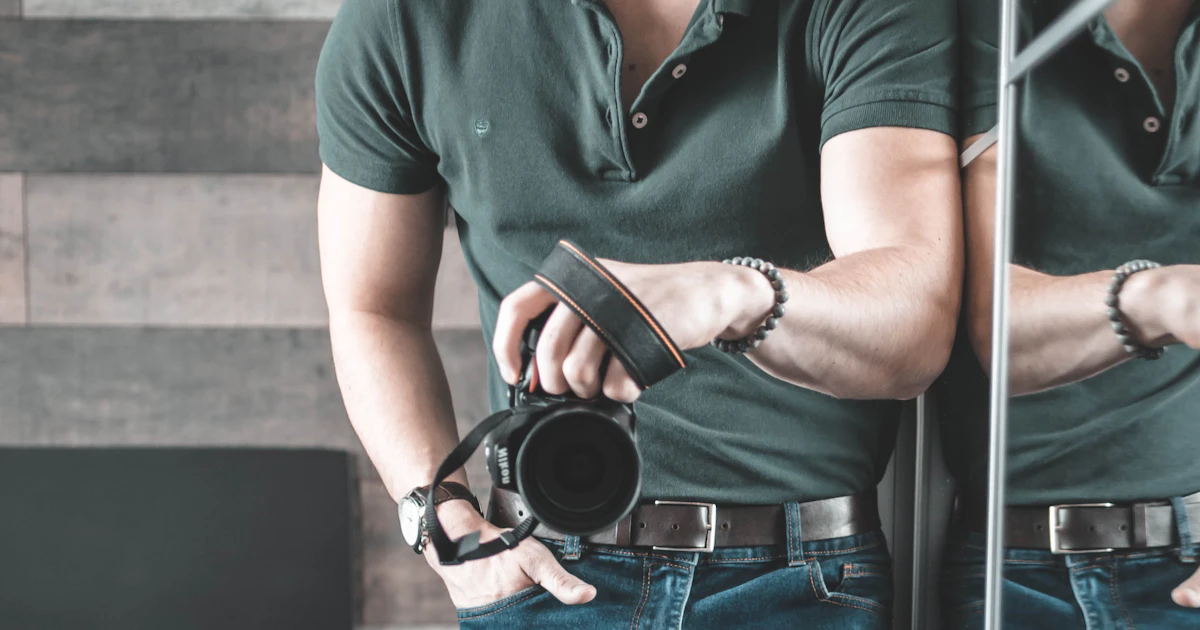
In short-term rental, a booking begins with one click. Before the guest reads the description, checks the price or scrolls the house rules, their eye stops on a photo. Research from the booking platforms has said the same thing for years: a listing with weak photos can have a great location and a fair price and still lose to the neighbour who invested one afternoon in a decent shoot. Photos are not an addition to the listing, they are the listing.
The good news is that you do not need an expensive camera or a hired interior photographer. What you need is an understanding of what to show and in what order, plus a few unbreakable rules that separate an amateur photo from one that sells.
The first photo decides everything
In a list of results the guest sees one photo, two at most. That is your thumbnail, and it decides whether anyone opens the listing at all. Do not waste that slot on the bathroom, the hallway or the view from the balcony onto a car park.
The best candidate for the main photo is usually the living room or the most striking, brightest room, a space where the guest can immediately picture themselves. If your asset is a view of the sea or the mountains, that is the exception: lead with it. In every other case what sells is a warm, tidy, well lit interior.
Light does 80% of the work
The biggest difference between a photo that attracts and one that repels is not the camera, it is the light. Stick to a few rules:
- Shoot in daylight, ideally in the morning or before noon, when the light is soft and natural.
- Open every curtain and blind and let in as much daylight as possible.
- Switch on every lamp, even in the daytime. Lit lamps add warmth and life to a room.
- Do not shoot into the light (with the camera pointing straight at a window), because the interior comes out dark and the window blown out.
If the flat is naturally dark, consider shooting on a bright but overcast day. Diffuse light is forgiving and casts no hard shadows.
A phone is enough, on one condition
A modern smartphone takes photos that are perfectly good enough for a listing. The essential condition is stability and a straight frame. Spend a few dozen zloty on a small tripod, or at least rest the phone on something solid. Shoot from around hip height (not eye level, which makes a room look squashed) and make sure vertical lines are vertical. Crooked door frames and walls that appear to lean are the commonest mark of an amateur photo. Turn on the camera grid and level the frame.
Dress the set like a shoot, not like a clean-up
Before you press the shutter, do a mini version of home staging:
- Hide everything personal and incidental: chargers, washing-up liquid, sponges, the bin, shoes in the hall.
- Make the bed like a hotel: the throw pulled tight, pillows aligned, perhaps a folded blanket or rolled towels.
- Add a few warm touches: fresh flowers, a bowl of fruit, nice tableware on the table, a folded blanket on the sofa.
- Straighten the chairs, plump the cushions, close the cupboards, and put the toilet lid down for bathroom shots.
The guest is not buying floor area, they are buying an idea of a successful trip. Your photos are there to help them picture it.
Show the whole flat, in the right order
Do not leave blank spots. If something is not in the photos, the guest assumes the worst, or feels misled on arrival, which ends in a poor review. Show every room: living room, bedrooms, kitchen (essential, it is often an apartment's strong point), bathroom, balcony or terrace, and also the entrance and the parking space if you have one.
Order the photos logically, as if you were showing someone round: main photo → living room → kitchen → bedrooms → bathroom → extras (balcony, view, surroundings). It is worth adding 2 or 3 photos of the area too: the beach, the promenade, the mountains, restaurants nearby. A guest books not only a flat but a location.
The most common mistakes that cost bookings
- Vertical photos (in phone orientation). Booking sites display landscape frames; vertical ones get cropped and look bad.
- Dark, yellow evening photos. Artificial bulb light gives an unnatural, dirty cast.
- Too many filters and too much saturation. Pumped-up colours are a promise the flat cannot keep, and a disappointed guest writes about it in the review.
- Clutter in the frame. One stray towel on a chair can ruin a whole photo.
- Too few photos. Four photos make people suspicious. Aim for 15 to 25 good frames.
Update the photos by season
If you are selling a seaside apartment, show sun, beach and a balcony flooded with light in summer. In winter, show a cosy interior, warm blankets, perhaps a fireplace. The same listing can have two different sets of lead photos matched to the season and the guest's intent. It is a small thing that genuinely raises click-through.
Mind where those photos end up
Great photos deserve a setting that does not spoil them. On an OTA portal your listing looks exactly like hundreds of others: the same template, the same layout, competitors right beside you. On your own reservation page you decide how large the photos are, in what order they appear and how the gallery looks. Large, well presented photographs on your own page create an impression of professionalism and trust, and that translates directly into commission-free bookings straight from the guest.
To sum up: good photos are the cheapest investment with the highest return in the whole of short-term rental. One afternoon with a phone, a tripod and a bit of tidying can turn a listing people scroll past into one they book. Start with the main photo and the rest will follow.
Try erphome.pl
Start taking bookings directly
Your own reservation page from PLN 27.99 net a month on the annual plan. Zero commission.
14 days free, no credit card
Comments (0)
No comments yet. Be the first.
Add a comment
Your email is never published. Comments appear after review by our editors.